iPhone
Tap once on Today.
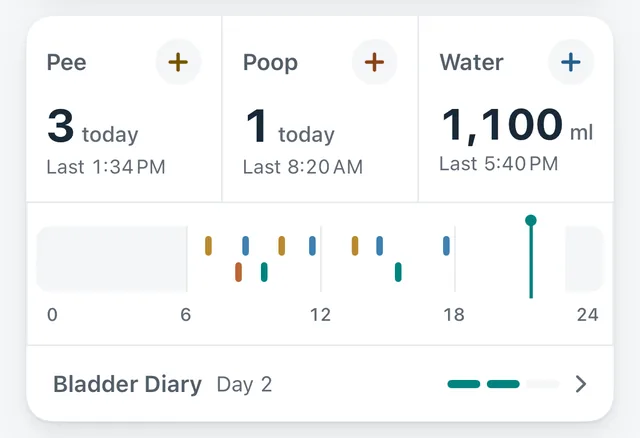
Tap pee, poop or water to log it. Made a mistake? Open the record to edit or delete it.
 Hushlog
Hushlog
Pelvic-floor training, a bladder diary and daily logs, kept on your own iPhone and Apple Watch.
Coming soon to the App Store
Screens show sample data. The released app may differ.
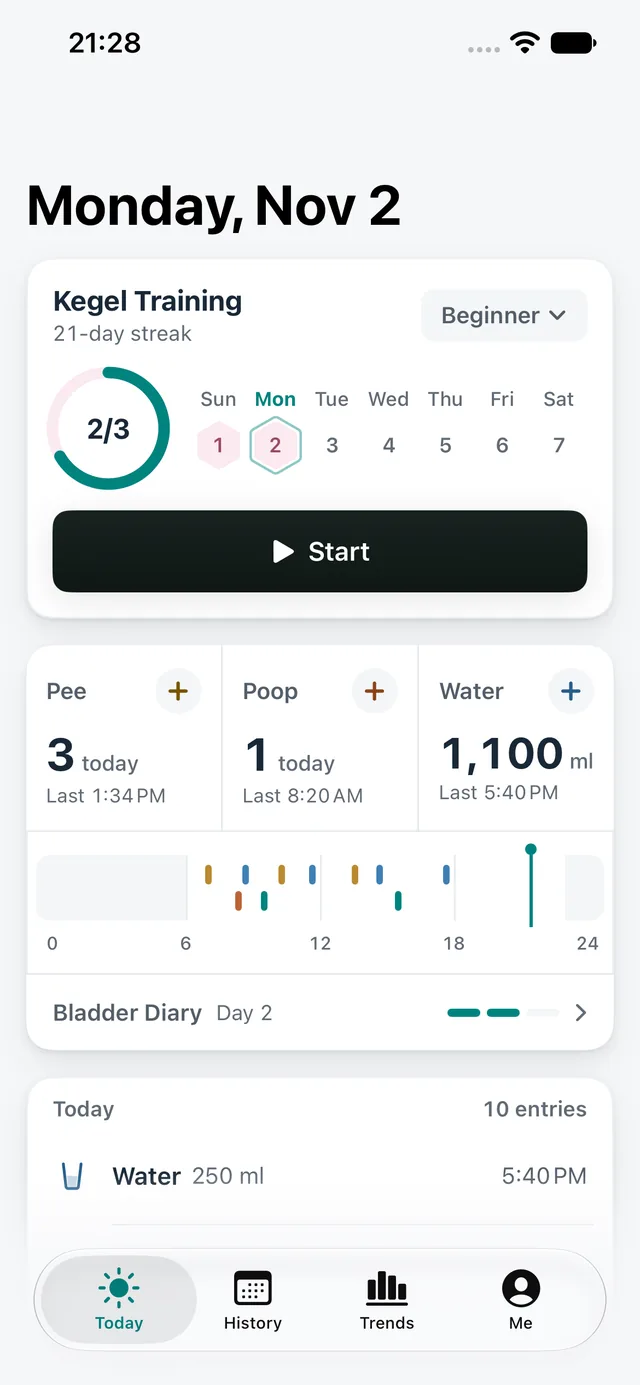
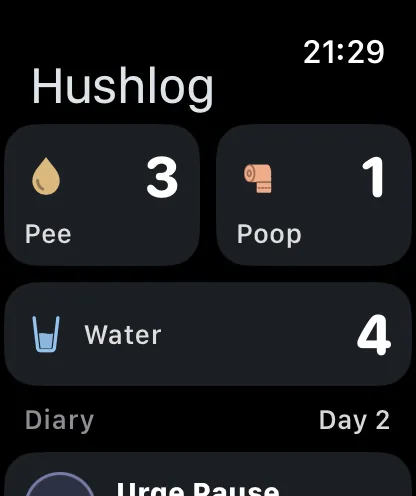
Log from the Today screen, Apple Watch, or a Home Screen or Lock Screen widget.
iPhone
Tap pee, poop or water to log it. Made a mistake? Open the record to edit or delete it.
Apple Watch
On Apple Watch it's the same single tap. If your watch can't reach your phone, entries wait and sync when it reconnects.
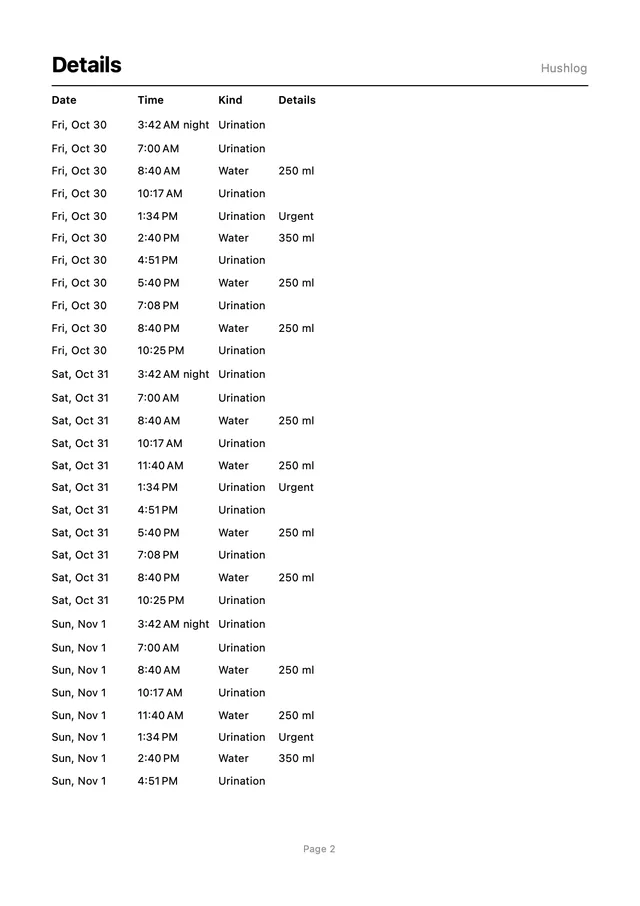
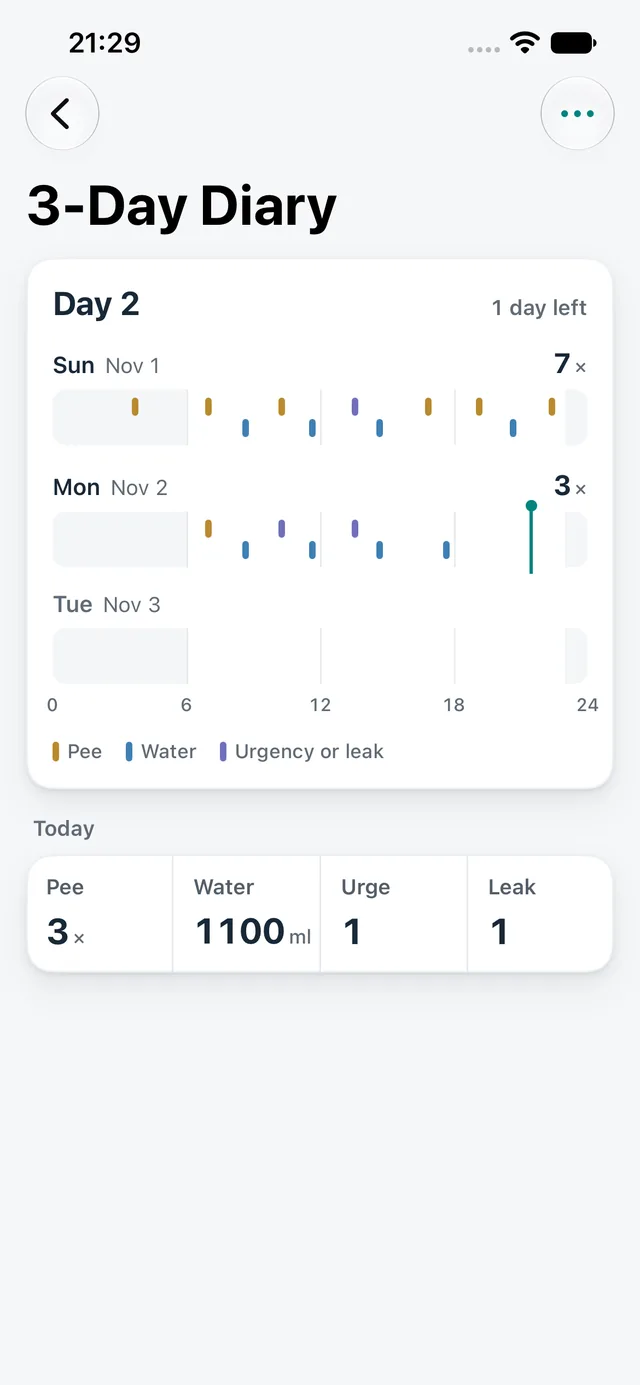
3-Day Bladder Diary
Open it from Me → Doctor Report and start today or tomorrow. Entries from your watch count too. It summarizes the selected three days without changing the underlying records. Creating a PDF to share or print for your doctor requires Pro.
Hushlog is a logging and training-reminder tool. It does not diagnose or treat.
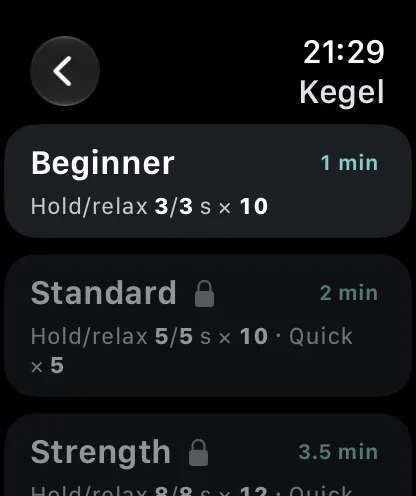
Kegel Training
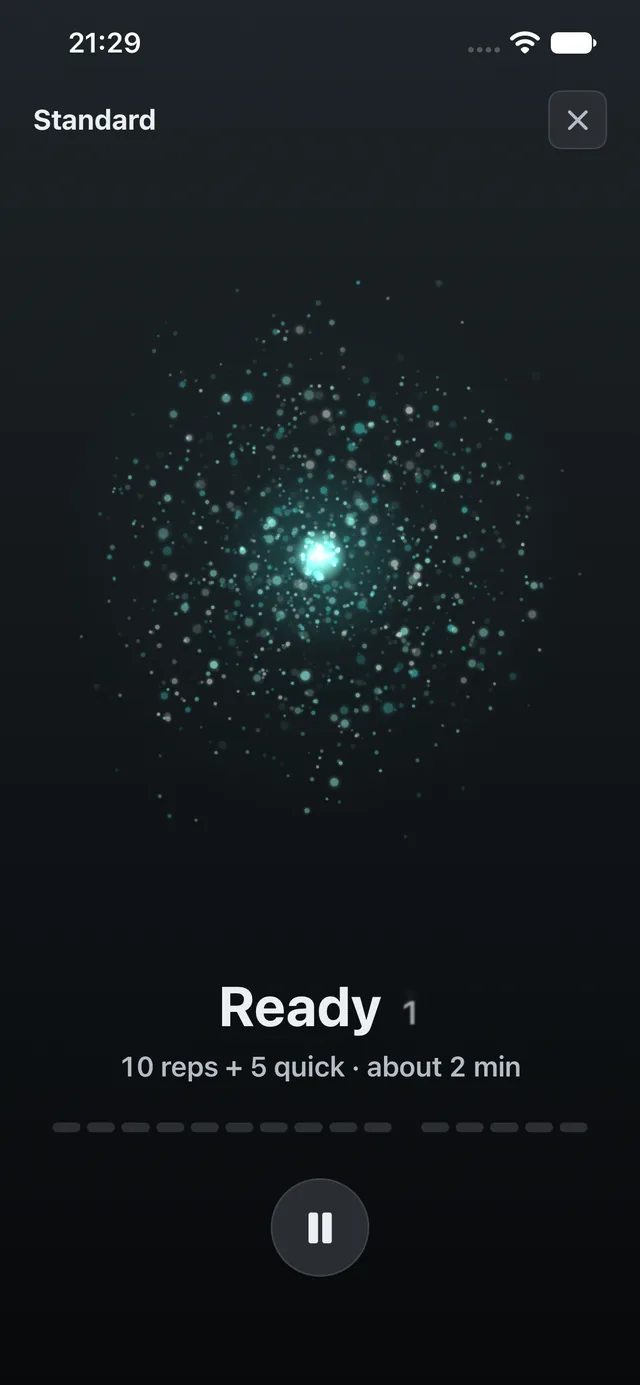
Squeeze and relax to the rhythm of your watch's haptics. It keeps buzzing even with the screen off. The Beginner plan is free; Standard, Strength, Endurance and Quick Flicks come with Pro.
Today, History and Trends each do one job. Reminders, sleep and export are covered too.
Today's training progress, the three log buttons and a 24-hour timeline, all on one screen.
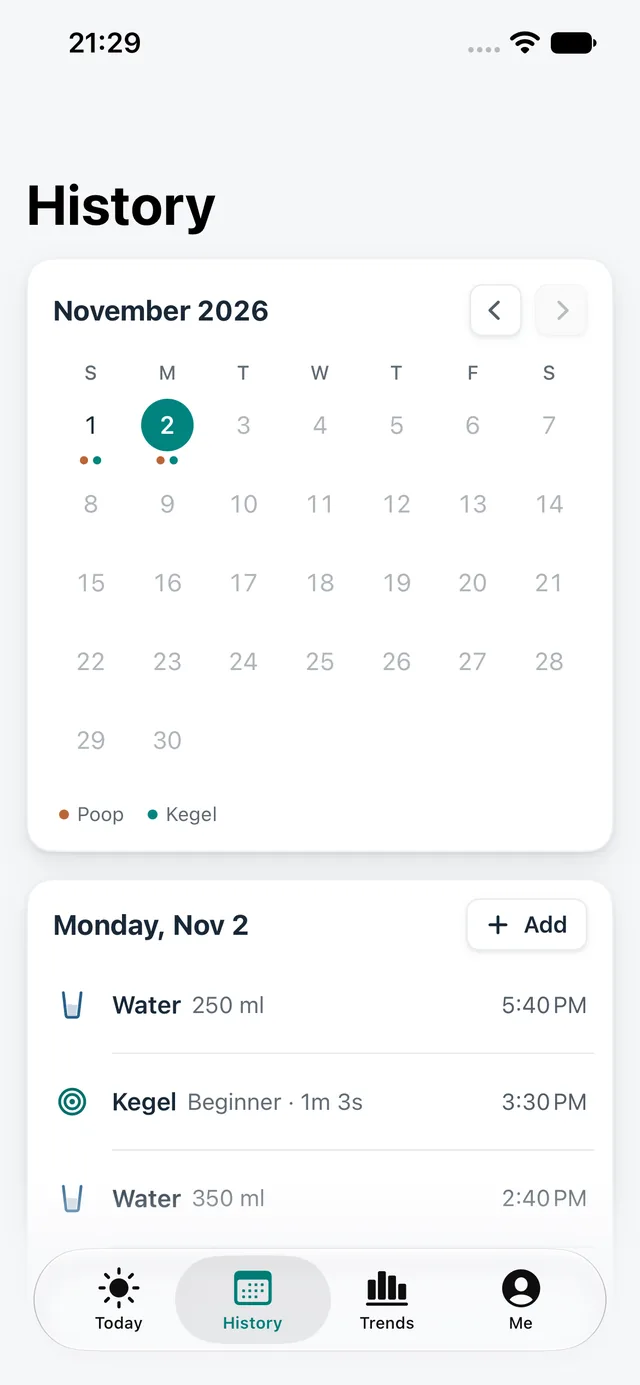
See what you logged, day by day on a calendar. Free shows the last 14 days; Pro keeps your full history.
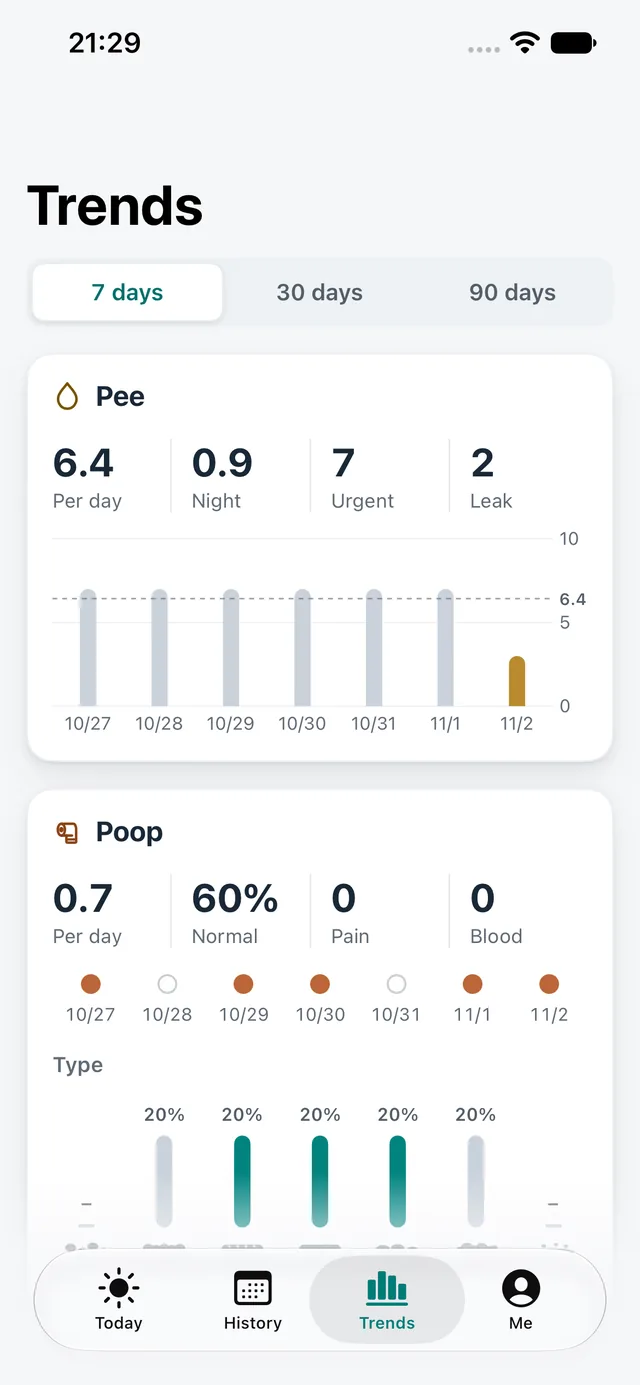
Pee, poop, water, training and urges, charted by day. Free covers 7 days; Pro adds 30 and 90.
Water, sitting and training reminders are scheduled on your device and follow your system settings and Focus.
On Apple Watch only: after you wash your hands it asks “Just used the bathroom?”, and one tap logs it.
Optional. Reads sleep from Apple Health and marks night-time pee on your sleep bars. No scores.
CSV export and password-encrypted backups are free. The Doctor Report PDF is part of Pro.
They live on your own devices, and we have no dashboard to view them.
Records stay on your own iPhone and Apple Watch, and your devices sync directly. No account to create.
We don't operate a backend that receives these records or have a dashboard to view them.
No iCloud sync, and no analytics or advertising SDKs.
Lock Screen notifications and watch faces use neutral words like “Time for a quick session”, never what you're training. With Face ID Lock on, widgets hide numbers and the Live Activity stays hidden.
Exported PDFs, CSVs and backups sit in a temporary folder that's cleared at every launch and when you delete all data.
Backups are password-encrypted files you export yourself. You choose where they're saved and who gets them.
Pricing will be shown on the App Store page at launch.
Everything in Free, plus:
Coming soon to the App Store
iPhone · iOS 17 or later · Apple Watch · watchOS 10 or later
Tap pee, poop or water on the home screen. Apple Watch and Home Screen widgets also offer shortcuts; some Control Center features require a newer OS. With the privacy lock enabled, widgets hide private numbers.
Open the record to edit or delete it. For backdated entries, check the date, time and category, then verify the saved entry in History.
Go to Me → Doctor Report and open the 3-day bladder diary. Start today or tomorrow. It summarizes the selected three days without changing the underlying records. Creating a shareable or printable PDF requires Pro.
Save a password-encrypted backup under Me → Data and keep the password secure. Restore it on the new device. Apple device transfer or an encrypted system backup is another option. CSV and PDF are for viewing and sharing, not a full restore backup.
Use the Apple Account that made the purchase and tap Restore on the purchase page. If it is not found, check the account and network before contacting support.
Other questions? Email manekineko.slc@gmail.com